Skip to content
All articles

A Justusability series

Head scratchers.

Everyday things people get stuck on, why they are built that way, and the fix, each in a short silent animation. The first four went out as “Usability fails” and keep that name.

  1. Head scratchers · 07

    What unexpected item?

    You put your handbag down at the self-checkout and the screen says “Unexpected item in the bagging area”, but not which item or what to do. That's a dead-end error: it stops you and gives you no way forward. In a 2014 UK survey of 1,017 adults, 83% of self-checkout users said they found this message annoying. Jakob Nielsen's ninth usability heuristic says an error message should explain the problem in plain language and suggest a solution. So say what's wrong and what to do next, with a picture: “Something extra is on the bag shelf. Lift it off to carry on.”

    Sources: Viewsbank survey, reported by Retail Customer Experience (May 2014); Jakob Nielsen, “10 Usability Heuristics for User Interface Design”, Nielsen Norman Group.
  2. Head scratchers · 06

    Did that button work?

    You press the crossing button and get no light, no beep, nothing, so you press it again, and again. That's missing feedback: every press needs an answer. The fix: a light and a beep on every press, so you know it heard you, and then you wait for the green man. One example doing it right is the Aldridge iTouch by Traffic Technologies, whose sensor light turns green when it picks up your hand. A light only helps if the press really counts: in 2004, the New York Times reported that more than 2,500 of New York City's 3,250 walk buttons did nothing.

    Source: Michael Luo, “For Exercise in New York Futility, Push Button”, The New York Times, 27 February 2004.

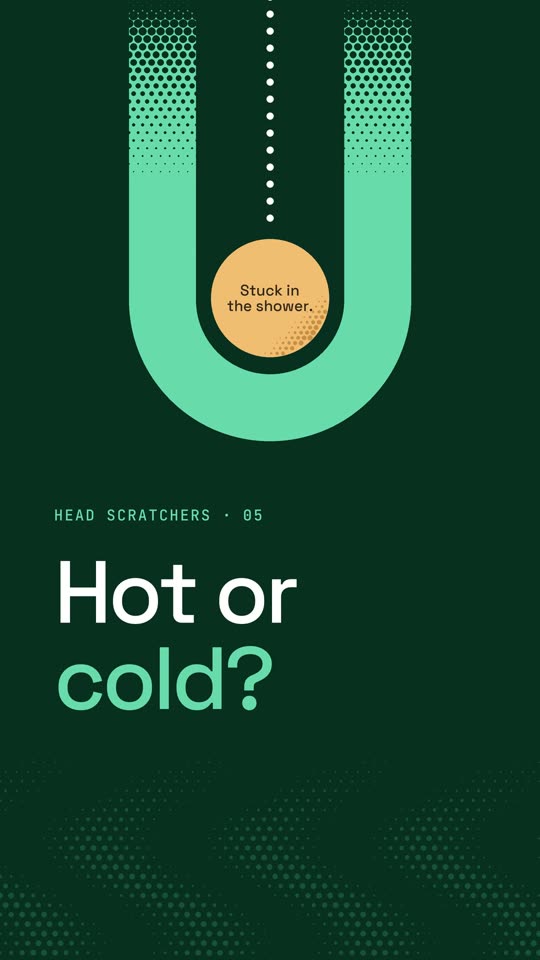
  3. Opening frame: a neon green U with an amber circle inside reading “Stuck in the shower.”, and the headline “Hot or cold?”
    Video coming soon

    Head scratchers · 05

    Hot or cold?

    Hotel shower mixers often come with hot and cold marks, but they wear off, so you guess and get ice-cold water. Don Norman points out that even a one-lever mixer leaves four things to guess: which way changes the temperature, which way is hotter, which way changes the flow, and which way gives more. A label that wears off can't answer those, so remove the question: a progressive mixer only turns one way, from off to cold and then warmer. One example doing it right is the Elementi Tita by Robertson Bathware, which still works if its labels wear off.

    Source: Don Norman, The Design of Everyday Things, revised edition (2013), chapter 4, “The Faucet: A Case History of Design”.

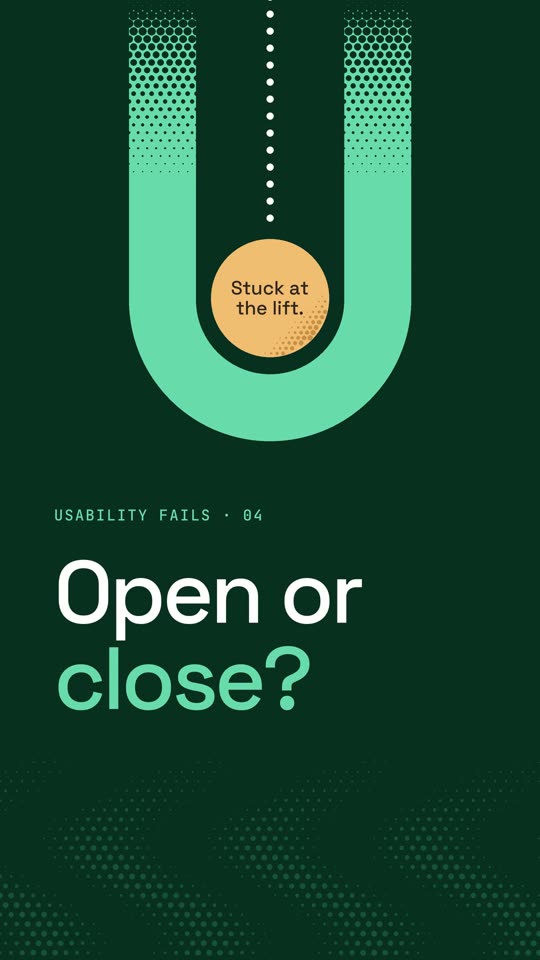
  4. Opening frame: a neon green U with an amber circle inside reading “Stuck at the lift.”, and the headline “Open or close?”
    Video coming soon

    Usability fails · 04

    Open or close?

    The lift doors are closing, someone is running for them, and the two buttons are just arrows pointing in and out. A 2003 study of lift door signs found the words OPEN and CLOSE were the easiest to recognise, and the arrow signs did poorly. If you have to decode a button, the design has failed. Our suggested fix: write “Open” on the button, make it the big one, and put it first, where hands go.

    Source: Yeoun, M. & Harada, A. (2003), “An Evaluation of Recognizability for Elevator's Open/Close Signs”, Bulletin of the Japanese Society for the Science of Design 50(2) (abstract).

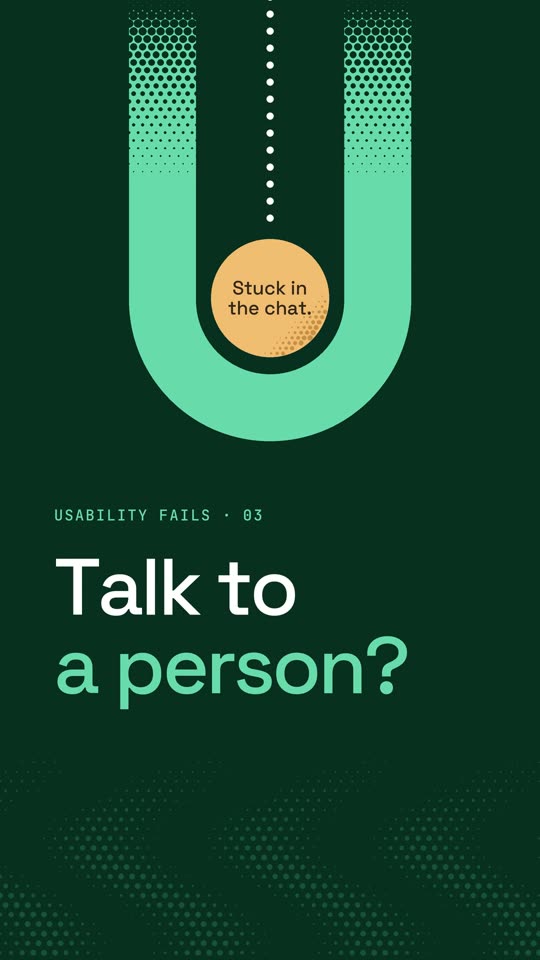
  5. Opening frame: a neon green U with an amber circle inside reading “Stuck in the chat.”, and the headline “Talk to a person?”
    Video coming soon

    Usability fails · 03

    Talk to a person?

    You ask a customer service chatbot for a person, and it answers “Sorry, I didn't get that” again and again. The US Consumer Financial Protection Bureau calls this a doom loop: repetitive, unhelpful answers with no way through to a human. If there's no way out, the bot has failed. The fix: the bot owns the failure and offers a real person the moment it starts to loop. In a Nielsen Norman Group study of chatbots, people generally saw that kind of escape hatch favourably.

    Sources: Consumer Financial Protection Bureau, “Chatbots in Consumer Finance” (June 2023); Raluca Budiu, “The User Experience of Chatbots”, Nielsen Norman Group (2018).

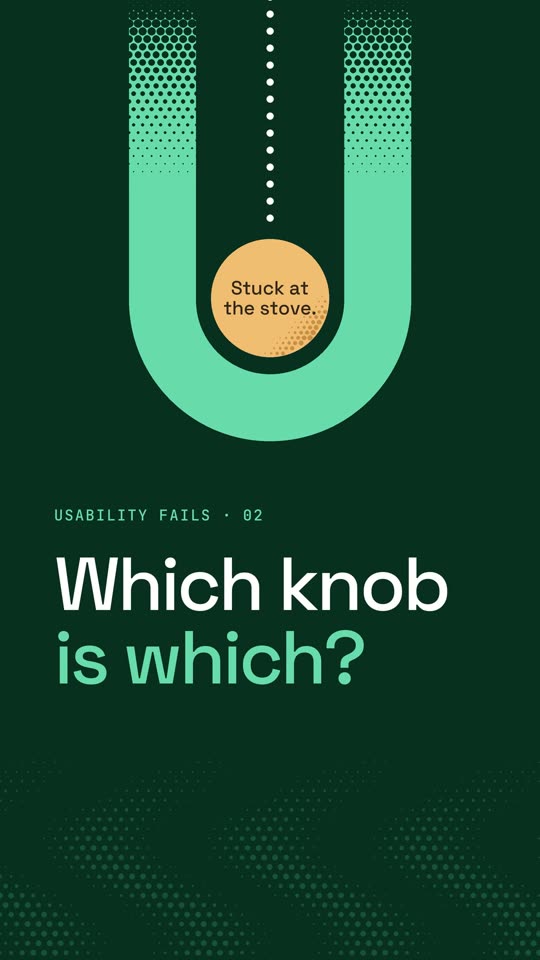
  6. Opening frame: a neon green U with an amber circle inside reading “Stuck at the stove.”, and the headline “Which knob is which?”
    Video coming soon

    Usability fails · 02

    Which knob is which?

    Four burners sit in a square and four knobs sit in a row, so you turn a knob and the wrong burner lights. Don Norman uses this very stove to explain poor mapping, where controls don't line up with the things they control. If a knob needs a little diagram, the layout has failed. The fix: lay the knobs out like the burners, so the front-left knob works the front-left burner and no diagram is needed.

    Source: Don Norman, The Design of Everyday Things (1988; revised 2013), the chapter on mapping.

    Read the full article
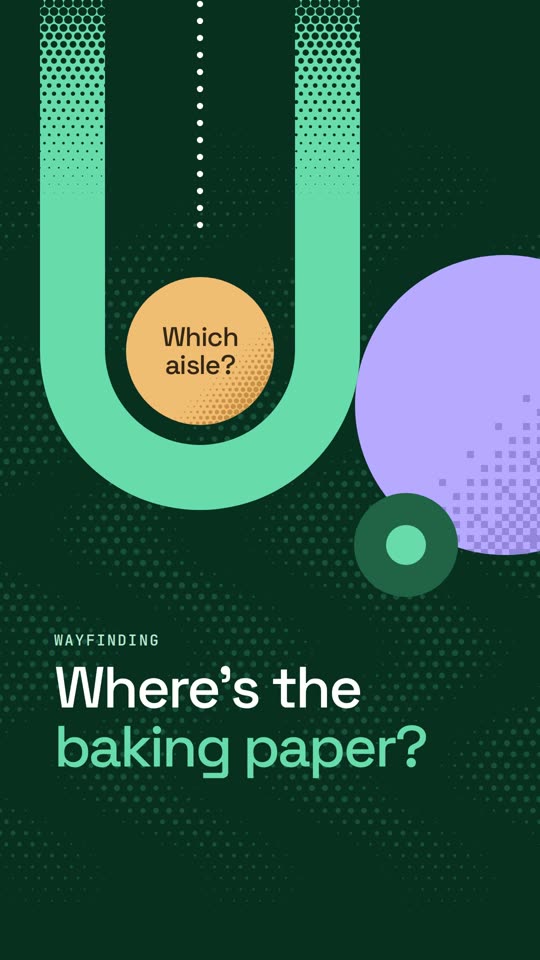
  7. Opening frame: a neon green U with an amber circle inside reading “Which aisle?”, a purple circle beside it, and the headline “Where's the baking paper?”
    Video coming soon

    Usability fails

    Where's the baking paper?

    You need baking paper, so you look up at the supermarket aisle signs. They list categories, not the thing you came for, so you walk the aisles hunting. Signs should answer the question shoppers actually have. The fix: put the answer where people look, with each zone named overhead in shoppers' own words and each section marked at the shelf.

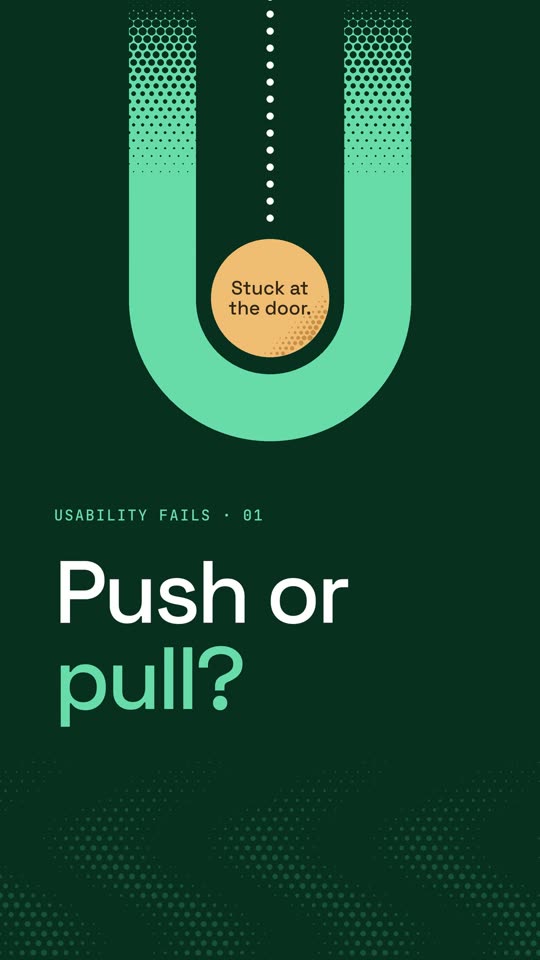
  8. Opening frame: a neon green U with an amber circle inside reading “Stuck at the door.”, and the headline “Push or pull?”
    Video coming soon

    Usability fails · 01

    Push or pull?

    A door has a handle, and a handle says pull. So you pull, but this door needs a push. People call it a Norman door, after the designer Don Norman. If people need a sign to get through a door, the design has already failed. The fix: swap the handle for a flat plate, so there's nothing to grab and you push.

Start with a conversation

Let’s talk about where your users get stuck.

Tell us where people struggle and what you need to decide. We’ll suggest what would help most in a free, 30-minute call.

Book a call